
Tracking has always been the backbone of affiliate marketing. But in 2026, the rules of the game have changed completely.
Table of Contents
If you’re still relying solely on pixel-based tracking, you’re not just using an outdated method — you’re making business decisions based on incomplete and unreliable data.
In this in-depth guide, we’ll break down server-side tracking vs pixel tracking, explain how each method works, where they fail, and which one actually makes sense for affiliate marketers today.
What Is Pixel Tracking?
Pixel tracking (also called client-side tracking) relies on JavaScript code running in the user’s browser.
Here’s how it typically works:
- A user clicks your affiliate link
- A tracking pixel loads in their browser
- When a conversion happens, the pixel fires an event
- The event is sent back to your analytics or ad platform
This method was once the standard — but it depends entirely on the browser behaving as expected.
Common Examples of Pixel Tracking
- Facebook Pixel
- Google Ads conversion tag
- Client-side GA4 events
Pixels are easy to install, which is why many beginners still use them.
Why Pixel Tracking Is Breaking Down in 2026
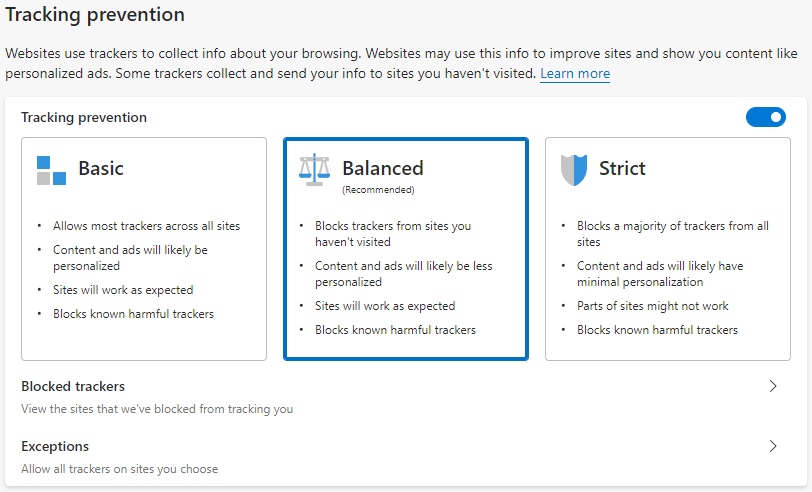
Pixel tracking fails because modern browsers no longer cooperate.
1. Ad Blockers Block Pixels by Default
Most ad blockers now detect and block:
- Tracking scripts
- Analytics tags
- Marketing pixels
This means conversions may never fire — and you’ll never know they were missed.
2. Browser Privacy Policies Kill Cookies
Browsers like Safari, Firefox, and Chrome restrict:
- Third-party cookies
- Cookie lifespan
- Cross-site tracking
Affiliate conversions that happen hours or days later are often lost or misattributed.
3. Cross-Device Behavior Is Invisible
A user clicks on mobile and converts on desktop?
Pixel tracking usually fails completely in this scenario.
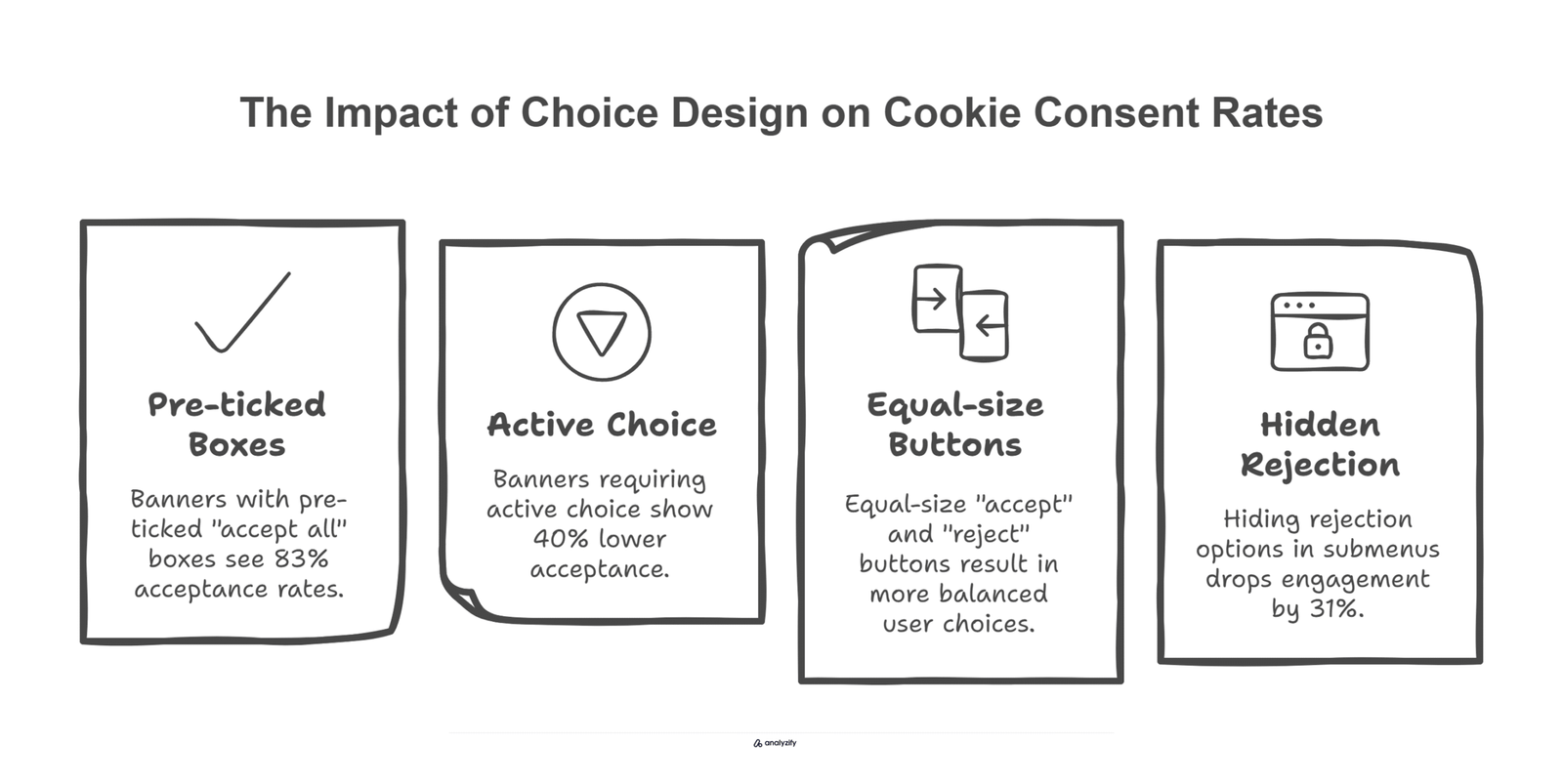
4. Consent Banners Reduce Data Quality
If a user declines tracking consent:
- Pixels don’t fire
- Events are missing
- Revenue disappears from reports
Pixel tracking only works in perfect conditions, which no longer exist.
What Is Server-Side Tracking?
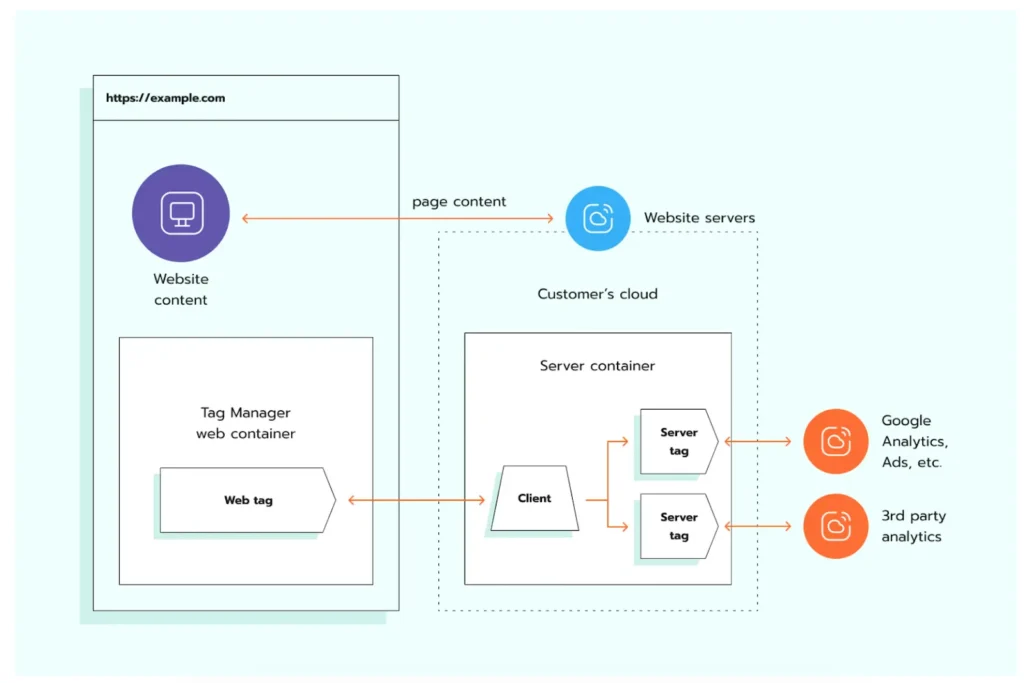
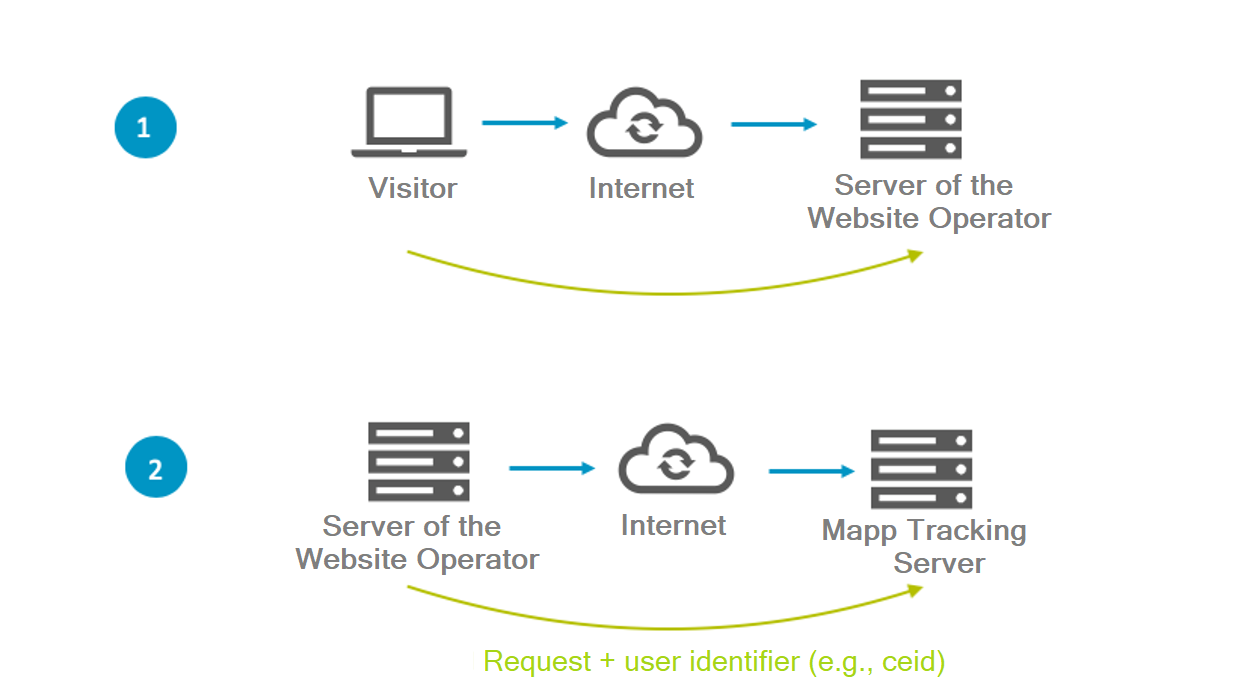
Server-side tracking moves conversion tracking out of the browser and into a server-to-server environment.
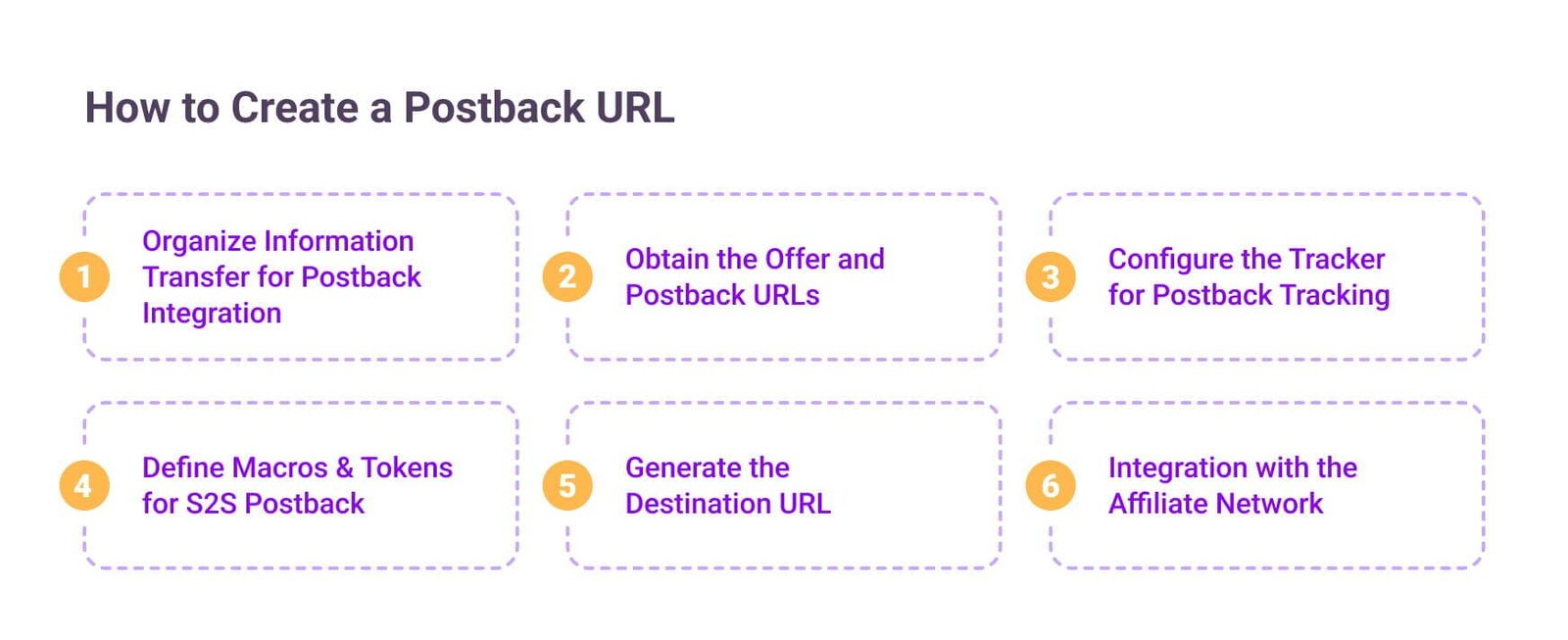
Instead of relying on JavaScript, it uses postback URLs.
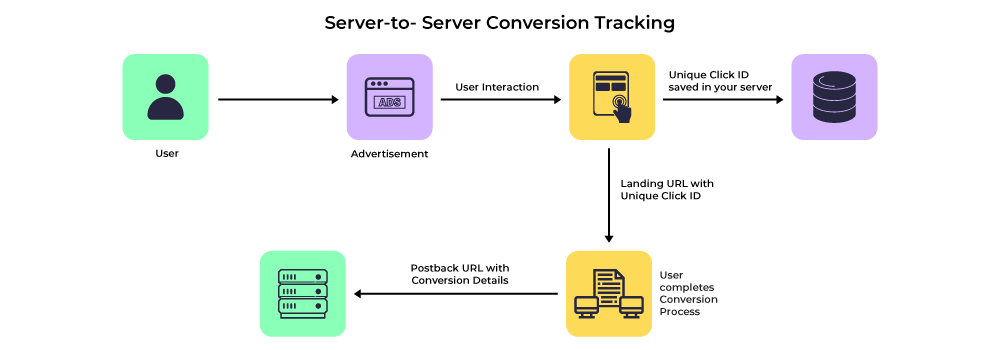
How Server-Side Tracking Works
- A user clicks your affiliate link
- A unique click ID is stored server-side
- The affiliate network confirms a conversion
- A postback URL sends conversion data to your tracker
No browser. No cookies. No JavaScript execution.
Why Server-Side Tracking Is More Reliable
1. Immune to Ad Blockers
Postbacks are sent server to server, so ad blockers can’t interfere.
2. Privacy-Resilient
Server-side tracking does not rely on invasive scripts or third-party cookies, making it more compatible with privacy regulations.
3. Accurate Revenue Attribution
You only record conversions that are confirmed by the affiliate network — not guessed by the browser.
4. Better Ad Optimization
Ad platforms perform best when they receive clean, consistent conversion signals.
Server-side tracking ensures ad algorithms optimize for real sales, not broken pixel events.
Pixel Tracking vs Server-Side Tracking (Side-by-Side)
| Feature | Pixel Tracking | Server-Side Tracking |
|---|---|---|
| Depends on browser | ✅ Yes | ❌ No |
| Blocked by ad blockers | ❌ Often | ✅ No |
| Cookie-based | ✅ Yes | ❌ No |
| Cross-device tracking | ❌ Weak | ✅ Strong |
| Conversion accuracy | ❌ Inconsistent | ✅ High |
| Future-proof | ❌ No | ✅ Yes |
Where Pixel Tracking Still Makes Sense
Pixel tracking is not completely useless.
It’s still helpful for:
- Basic pageview analytics
- User behavior analysis
- Funnel visualization
- Content performance
For example, Google Analytics 4 is excellent for understanding how users behave — but not for confirming who actually paid.
The Hybrid Tracking Approach (Best Practice)
Smart affiliate marketers in 2026 don’t choose one or the other — they combine both.
Recommended Setup
- Server-side tracking → Revenue & conversions
- Pixel tracking / GA4 → Behavior & insights
This hybrid model gives you:
- Reliable financial data
- Useful analytics
- Better decision-making
Common Misconceptions About Server-Side Tracking
“It’s too technical”
Modern tools abstract most of the complexity. Many setups require no custom code.
“It’s only for big affiliates”
Even small campaigns benefit from accurate tracking — especially when running paid traffic.
“Pixels are enough”
Pixels are enough until they aren’t. Most marketers realize this only after losing money.
Who Should Switch to Server-Side Tracking Immediately?
You should prioritize server-side tracking if you:
- Run paid ads (Google, Meta, TikTok)
- Promote SaaS or high-ticket offers
- Care about ROI accuracy
- Want scalable tracking infrastructure
If you’re making optimization decisions based on pixel-only data, you’re already behind.
Final Verdict: What Actually Works in 2026?
Pixel tracking is convenient — but unreliable.
Server-side tracking is not just “better” — it’s necessary.
Affiliate marketers who adopt server-side tracking:
- Waste less ad spend
- Scale with confidence
- Make decisions based on truth, not estimates
In 2026, accurate tracking is no longer a competitive advantage — it’s the baseline.