Affiliate marketers and performance advertisers often struggle with one critical problem: accurate conversion tracking across multiple platforms. Between ad networks, affiliate programs, and analytics tools, data fragmentation can quietly kill profitability.
Table of Contents
That’s where AnyTrack comes in.
In this in-depth AnyTrack review, we’ll break down features, pricing, pros & cons, real-world use cases, and help you decide whether it’s the right tracking solution for your business in 2026.
What Is AnyTrack?
AnyTrack is a server-side conversion tracking and affiliate attribution platform designed for marketers who run paid ads, affiliate campaigns, or multi-channel funnels.
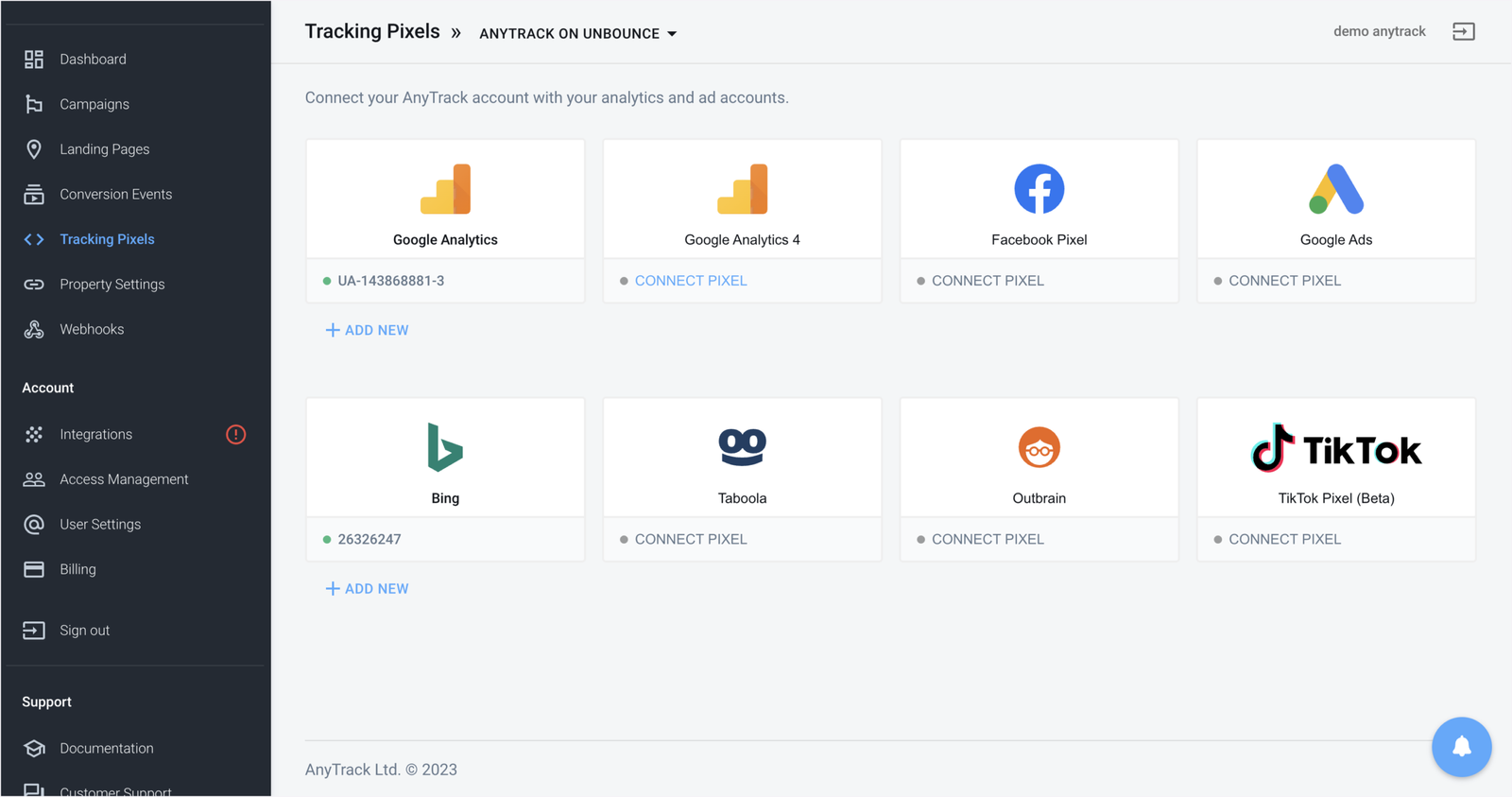
Instead of relying on fragile browser-based pixels, AnyTrack connects your:
- Affiliate networks
- Ad platforms (Google Ads, Meta, TikTok…)
- Analytics tools (GA4, GTM)
…into one unified tracking layer.
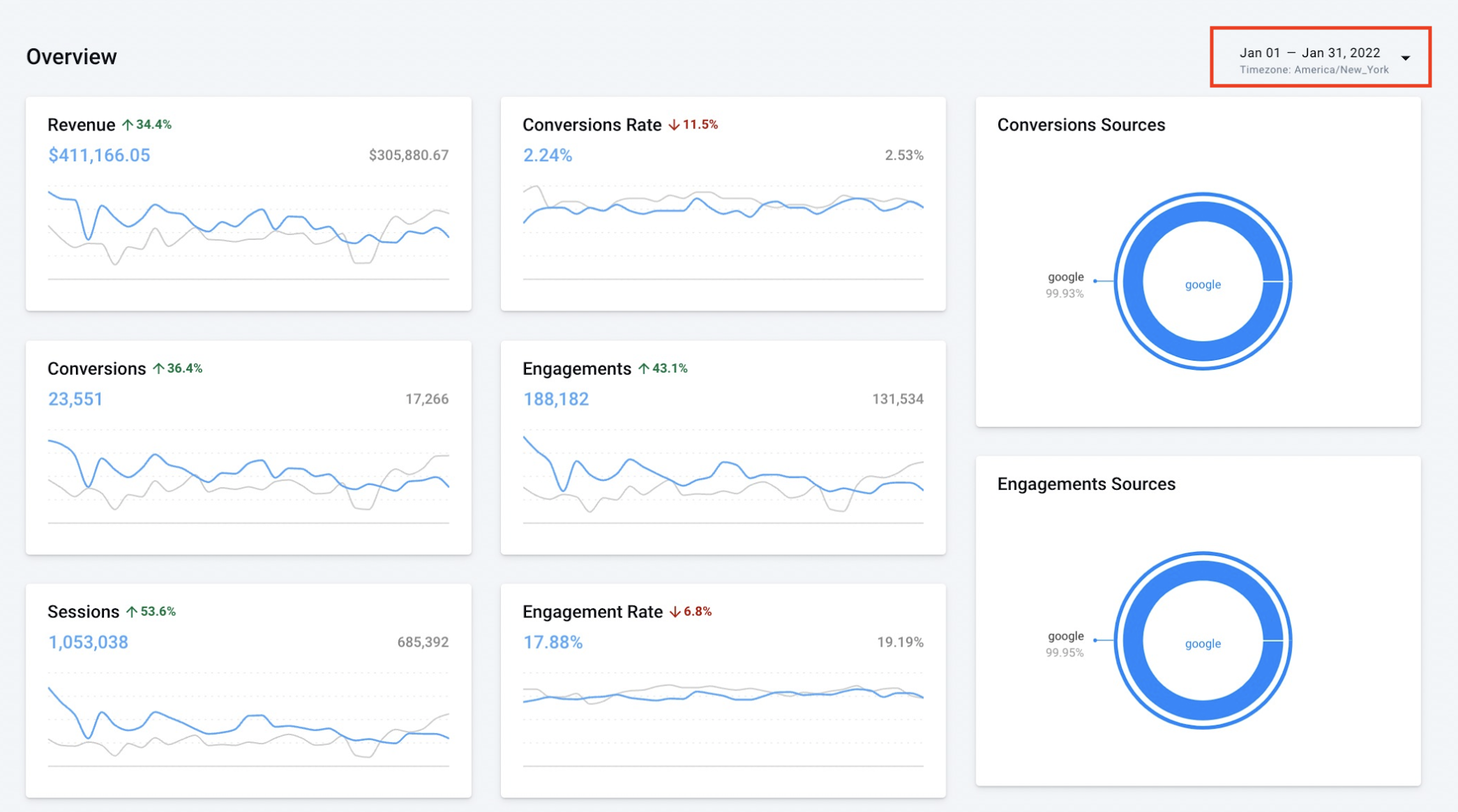
In short: it helps you see exactly which traffic and campaigns make money.
Key Features of AnyTrack

1. Server-Side Conversion Tracking
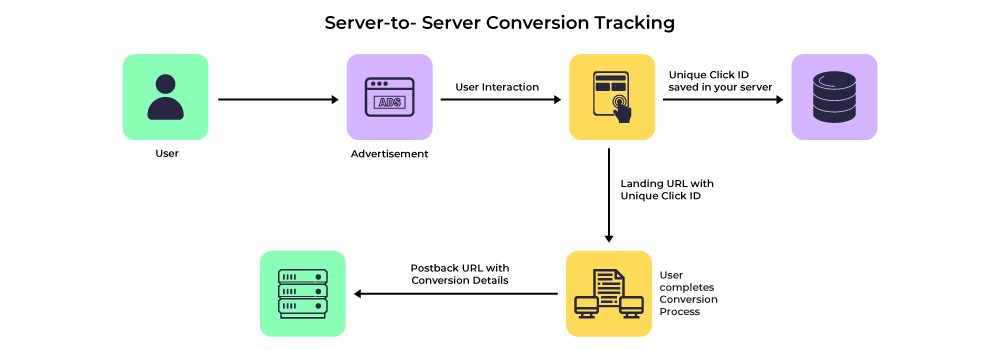
AnyTrack uses postback-based tracking, making it far more reliable than traditional pixels—especially in a cookieless, privacy-first world.
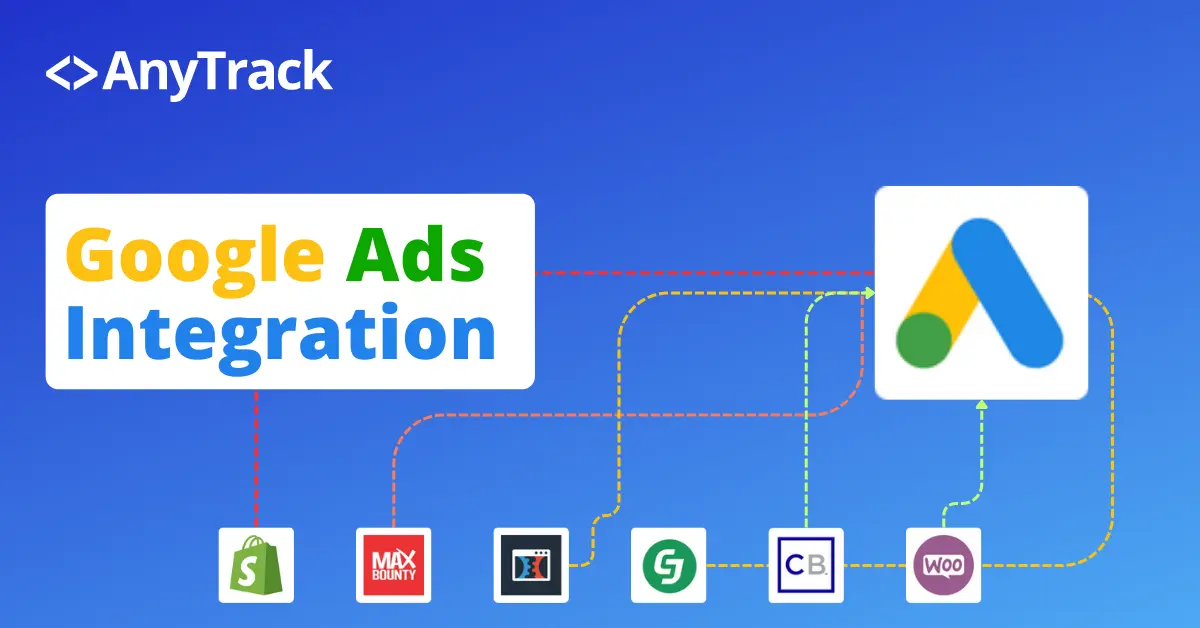
2. Affiliate Network Integrations
It supports major affiliate networks out of the box, reducing setup time and technical headaches.
3. Google Analytics 4 & GTM Support
You can push conversions directly into GA4 and Google Tag Manager, keeping your analytics clean and consistent.
4. Ad Platform Optimization
AnyTrack sends accurate conversion data back to:
- Google Ads
- Facebook Ads
- TikTok Ads
This helps ad algorithms optimize for real revenue, not fake events.
5. No-Code Setup
Unlike traditional trackers, AnyTrack is designed for marketers, not developers. Most setups take minutes, not days.
AnyTrack Pricing (Updated for 2026)

AnyTrack offers tiered pricing based on tracked conversions, making it scalable for both beginners and advanced marketers.
Typical plans include:
- Entry-level plan for small campaigns
- Growth plans for active affiliate marketers
- Higher tiers for agencies and media buyers
💡 Good to know: There’s usually a free trial, which is perfect for testing before committing.
Pros and Cons
✅ Pros
- Accurate server-side tracking
- Easy affiliate network integration
- GA4 & ad platform friendly
- Beginner-friendly setup
- Excellent for affiliate + paid traffic
❌ Cons
- Limited advanced campaign optimization compared to hardcore trackers
- Pricing may feel high for very low-volume users
- Not built for cloaking or aggressive media buying tactics
Best Use Cases for AnyTrack
AnyTrack shines in these scenarios:
- Affiliate marketers running Google Ads or Facebook Ads
- Content creators monetizing traffic with affiliate links
- SaaS affiliates tracking trial → paid conversions
- Marketers who want clean GA4 data without custom dev work
If your goal is clarity and reliability, AnyTrack is a strong fit.
AnyTrack vs Traditional Affiliate Trackers
Unlike classic affiliate trackers that focus heavily on:
- Landing page rotation
- Advanced traffic filtering
- Media-buying automation
AnyTrack focuses on accurate attribution and simplicity.
👉 It’s not trying to replace enterprise trackers—it’s designed to work alongside modern analytics and ad platforms.
Final Verdict: Is AnyTrack Worth It in 2026?
⭐ Rating: 4.6 / 5
If you’re an affiliate marketer, SaaS publisher, or performance marketer who values:
- Reliable tracking
- Simple setup
- Better ad optimization
Then AnyTrack is absolutely worth considering.
It removes tracking guesswork and lets you focus on what matters most: scaling profitable campaigns.